The ticker & your Vision Board
The bottom strip: live stats or your goal images — modes, speed, separators and image import.
The strip at the bottom of the app scrolls continuously with one of two contents:
The two modes (+ hidden)
- Trading stats — your live numbers: balance, day P&L, win rate, streaks… A stock-ticker of you.
- Vision Board — your imported images scroll instead: goals, the reason you sit down at the screen. Import and manage images in Settings → Customization; a filter lets you tune how the images render.
- Hidden — no strip, maximum space.
Controls
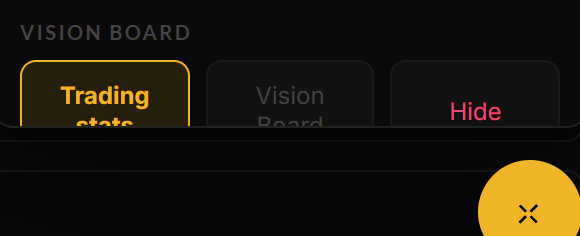
The three modes and the speed slider, in the ⊹ panel.
Mode and speed are in the ⊹ panel; finer settings (separator style, Vision Board filter, image management) are in Settings → Customization.
Still stuck? Contact support — or send feedback from the app: profile menu → Settings → Feedback.