Accent colors, dark/light theme, auto theme
Recolor the whole app, switch themes, or let the theme follow the clock.
Accent color
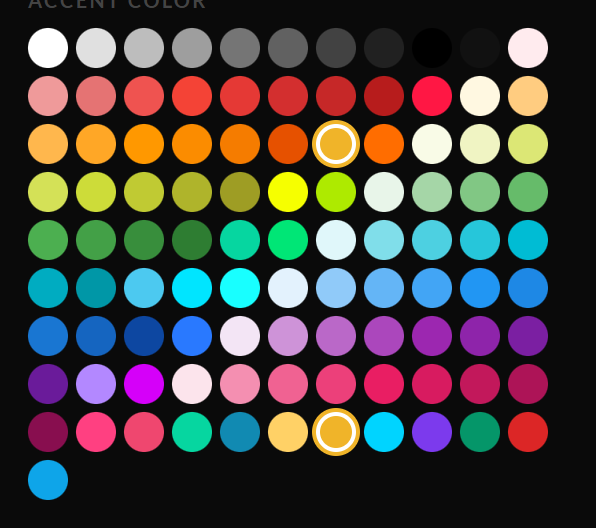
The accent palette in the ⊹ panel — one click recolors the whole app.
Pick any swatch from the ⊹ panel’s palette. The accent recolors buttons, active tabs, chart highlights, the calendar logo’s eyes — the app’s whole personality. Each account keeps its own accent, which doubles as a visual cue for which account you’re in.
Dark / Light
Toggle in the ⊹ panel (Theme). The charts, the TradingView chart and every page follow.
Auto theme
In Settings → Accounts, the Auto theme option can switch dark/light automatically on a schedule — dark for evening sessions, light for the day, hands-free.
Still stuck? Contact support — or send feedback from the app: profile menu → Settings → Feedback.